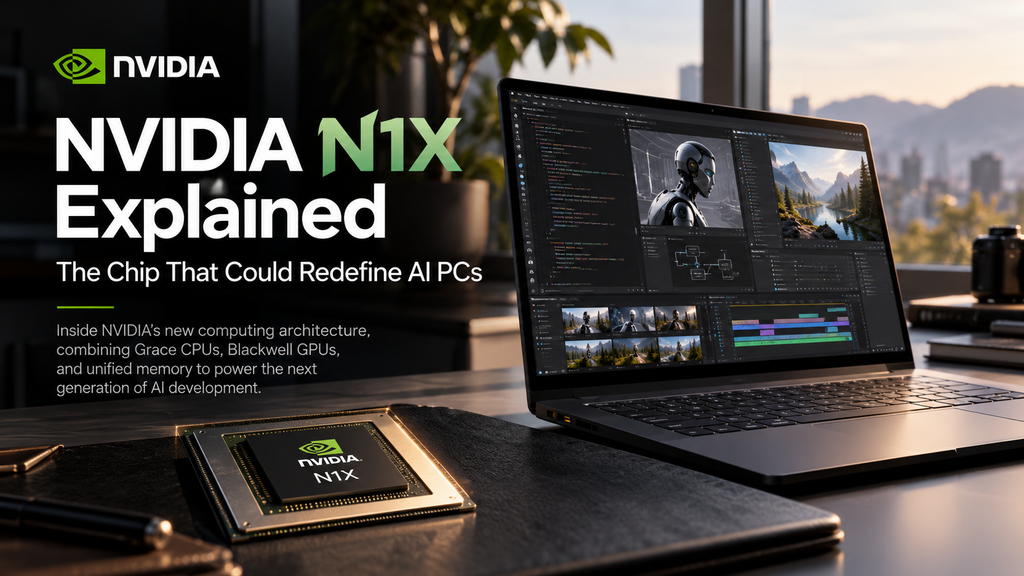
A laptop with a powerful NVIDIA GPU is nothing new. A laptop built around an NVIDIA-designed Arm CPU, Blackwell graphics, and a shared pool of up to 128 GB of memory is a different proposition.
On October 16, 2026, NVIDIA officially launched RTX Spark laptops powered by its N1X system-on-chip (SoC). The platform brings technologies usually associated with high-end graphics cards and AI workstations into slim Windows 11 computers.
But the real engineering story is not simply a larger core count: it is how CPU, GPU, memory, and software are integrated—and what that means for developing AI systems on a personal computer.
1. What is NVIDIA N1X?
N1X is the silicon behind NVIDIA’s new RTX Spark Windows PCs. Instead of pairing a conventional x86 processor with a separate NVIDIA graphics card, the platform combines an Arm-based NVIDIA Grace CPU and a Blackwell RTX GPU in one tightly integrated computing platform. NVIDIA says it collaborated with MediaTek on the custom CPU design.
The CPU and GPU communicate through NVLink-C2C, a high-bandwidth chip-to-chip connection. NVIDIA reports an interconnect bandwidth of 600 GB/s. Rather than treating the GPU as a peripheral with an entirely separate pool of video memory, RTX Spark uses unified LPDDR5X memory accessible to both processors.
That architectural choice is important for AI and content creation, where moving enormous datasets between components can become a bottleneck.
2. The official specifications
NVIDIA lists two N1X laptop configurations and a higher-power compact desktop configuration.
| Specification | Higher N1X laptop | Lower N1X laptop |
|---|---|---|
| CPU | 20-core NVIDIA Grace | 18-core NVIDIA Grace |
| GPU | 6,144-core Blackwell RTX | 5,120-core Blackwell RTX |
| Unified memory | Up to 128 GB LPDDR5X | Up to 32 GB LPDDR5X |
| NVIDIA-rated AI compute | Up to 1 PFLOP, FP4 | Up to 827 TFLOPS, FP4 |
| Listed platform TDP | 45–80 W | 45–80 W |
| Operating system | Windows 11 | Windows 11 |
Both versions support NVIDIA CUDA, fifth-generation Tensor Cores, fourth-generation ray-tracing cores, and current RTX software features. NVIDIA also lists a compact desktop N1X variant with a 140 W TDP.
Important: FP4 AI throughput is a specific, low-precision theoretical performance measure—not a prediction of everyday application speed. The number of CUDA cores also does not make N1X equivalent to a desktop GPU with a similar core count: power limits, memory behavior, clocks, and workload matter.
3. Why unified memory matters for local AI
Traditional laptops often have system RAM for the CPU and a limited, separate pool of VRAM for the GPU. That separation can force developers to reduce model sizes, offload layers, or transfer data repeatedly.
N1X’s unified memory design changes the trade-off. In the highest-memory configurations, a substantially larger AI model can reside in a memory pool shared by the CPU and GPU.
Consider a simplified example: a 70-billion-parameter model stored at 4 bits per parameter needs approximately:
70 billion × 4 bits ÷ 8 = 35 GB
That is the theoretical weight-storage requirement alone. A real inference session also needs memory for quantization metadata, the key-value cache, model runtime, context, and other processes.
Having 128 GB of unified memory could make such workloads more practical without immediately turning to a remote GPU server.
This does not mean unified laptop memory behaves like 128 GB of dedicated high-bandwidth GPU VRAM or guarantees fast inference. Memory bandwidth, supported precision, software optimization, and thermal limits remain decisive.
The advantage is primarily capacity and integration, not a promise of unlimited AI performance.
4. CUDA is the real strategic advantage
For AI developers, the GPU specification is only half the story. The other half is the software ecosystem.
RTX Spark supports CUDA, TensorRT, and NVIDIA’s RTX acceleration tools. That opens a path to building and testing supported AI workloads on a portable Windows machine while remaining within the broader NVIDIA development ecosystem.
Potential uses span computer vision (detection, segmentation, and video analysis), robotics R&D (testing perception models before edge deployment), generative AI (running compatible language and image models locally), and product design (accelerating supported 3D and creative workloads).
A local development machine can improve iteration speed and reduce reliance on paid cloud inference for some experiments.
But deploying an application from RTX Spark to Jetson, Linux servers, or other targets still requires platform-specific testing and packaging.
5. What the first independent reviews tell us
NVIDIA markets RTX Spark as a machine for AI, creating, and gaming. Early independent testing suggests a more nuanced picture.
The strengths: Reviews highlight capable GPU acceleration, unusually large unified-memory options, and attractive local-AI use cases. These are especially relevant when a workflow is constrained by memory capacity or depends heavily on NVIDIA’s optimized GPU stack.
The compromises: Reviewers have found that CPU performance and efficiency do not consistently match Apple’s current higher-end M-series chips.
Gaming performance is mixed relative to the price, particularly when compared with conventional x86 laptops with dedicated graphics.
Windows on Arm compatibility is another practical consideration: some legacy applications, anti-cheat systems, device drivers, and engineering tools may require verification before buying.
Pricing also makes this a premium platform. Early US configurations have been reported starting at approximately $2,599, with substantially higher prices for some memory-rich models; prices vary by manufacturer and region.
In other words, N1X looks most compelling as a specialized development and creation platform, rather than the automatic best-value option for every laptop buyer.
6. Should engineers and developers consider N1X?
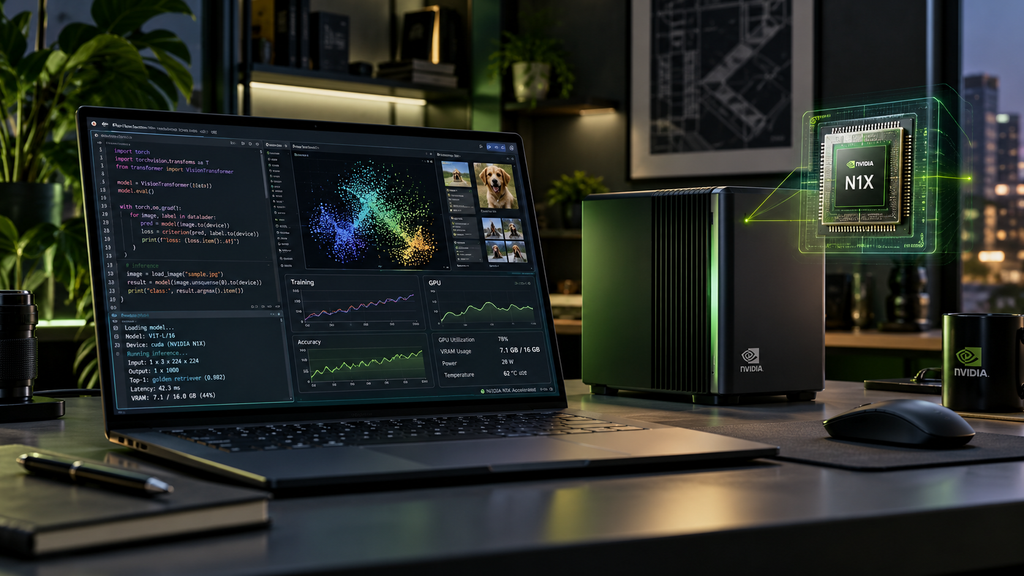
For an R&D team, the decision should begin with the workload—not the marketing headline.
Ask four questions before choosing an N1X system:
- Does the project benefit from a large shared memory pool? This matters for larger local AI models, complex scenes, and memory-intensive workflows.
- Is the required toolchain supported on Windows on Arm? Check CAD software, Python packages, native libraries, debuggers, USB interfaces, and hardware drivers.
- Is the bottleneck compute, memory capacity, or memory bandwidth? A conventional laptop with a discrete RTX GPU could still be faster or more economical for particular tasks.
- Will the system be used for development or production? A powerful laptop can be an excellent prototyping device without replacing an edge deployment platform or a dedicated workstation.
For robotics and embedded projects in particular, verify the complete workflow: sensor drivers, device communication, compilation, deployment, and debugging—not just neural-network inference.
7. The bigger picture: AI development is moving closer to the edge
N1X is significant because it reflects a wider shift in computing.
AI work no longer needs to be divided so rigidly between a low-power personal laptop and an expensive remote accelerator. More models and tools can run directly where engineers design, test, and iterate.
The most interesting outcome may not be a faster benchmark. It could be a more practical development loop: capture data, test a model, inspect the results, revise the pipeline, and repeat—all on the same portable machine.
But the engineering principle remains unchanged:
The best computing architecture is the one that fits the real workload.
NVIDIA N1X expands the choices available. It does not eliminate trade-offs in cost, efficiency, compatibility, or deployment.
Sources and further reading
Official information: NVIDIA’s October 16 launch announcement, RTX Spark specifications, and NVIDIA’s technical/platform overview.
Independent testing: Notebookcheck’s Apple M5 Pro comparison, HotHardware’s N1X benchmark review, and LTT Labs’ independent review.